Style Generator
Minimalist Banner Generator
Generate minimalist banner designs with a consistent vibe and polished layout.
Clean, modern, and typography-first. Wide-format visuals that highlight your headline and CTA.
Answer Box
Glittr generates minimalist banner designs from a single prompt. You get multiple variations, cohesive styling, and fast edits for typography, color, and layout.
Example outputs
Realistic layouts generated from short prompts. Use them as inspiration or starting points.
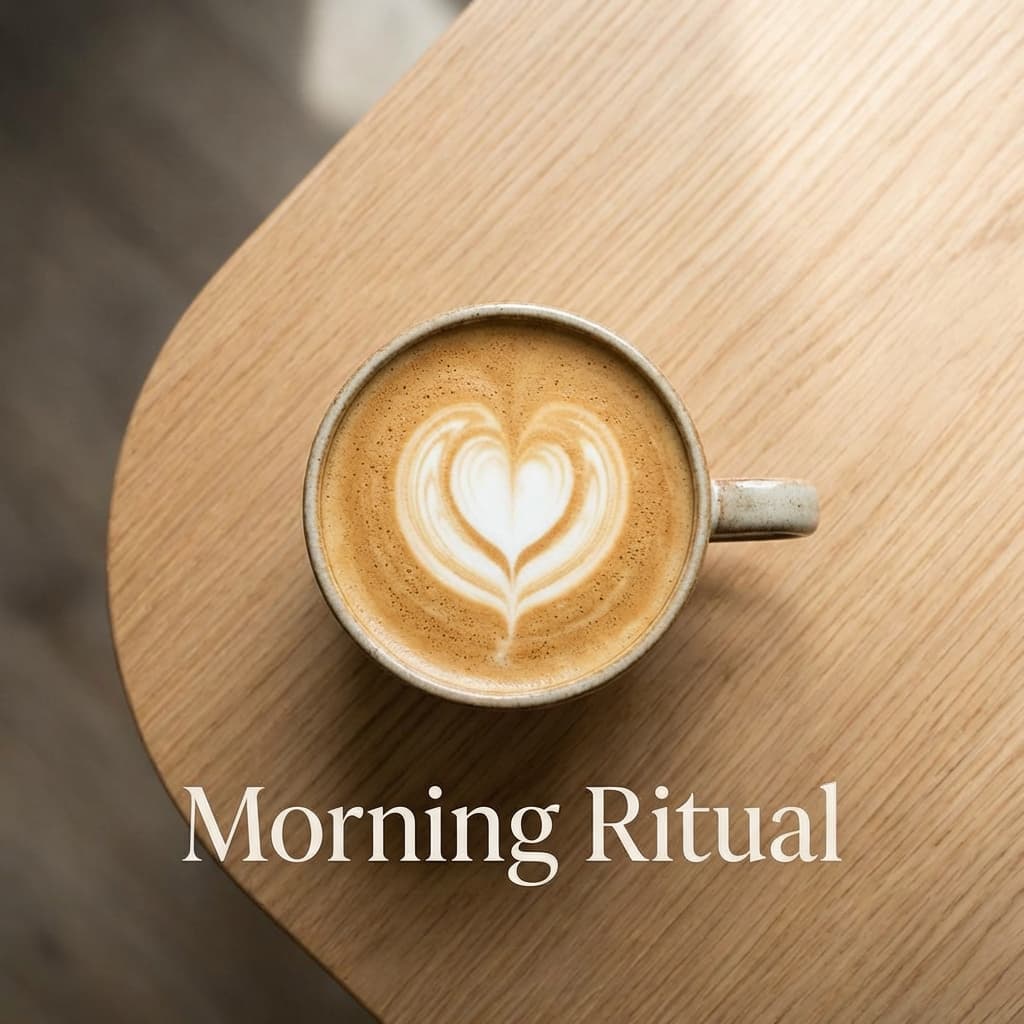
Clean typography layout

Bold headline layout
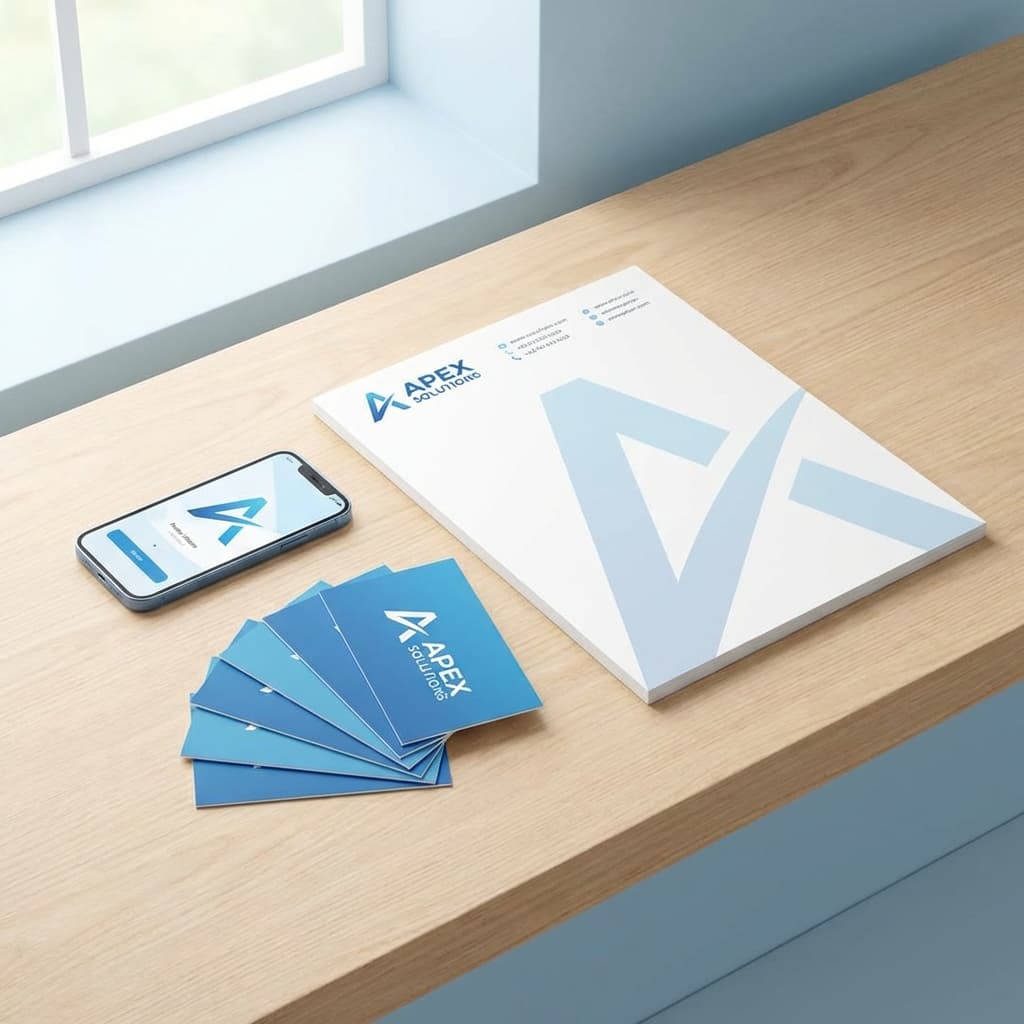
Product-focused layout
Why creators use Glittr
- Apply a minimalist look instantly across multiple variations.
- Keep typography, spacing, and layout aligned to the style.
- Export at 1584x396 and refine anytime.
Prompt to start with
Create a banner for minimalist banner. Use the 1584x396 canvas, bold typography, and keep the CTA visible.
Create a minimalist banner for a product launch. Use modern typography and balanced spacing.
How it works
Step 1
Describe your minimalist banner and the main message.
Step 2
Pick a vibe, colors, or brand keywords.
Step 3
Generate variations, then tweak the best one in Glittr.
Related pages
Frequently asked questions
Can I customize the banner after generation?
Yes. Edit text, colors, imagery, and layout after Glittr generates the first version.
What size should I use for minimalist banner?
We recommend starting with 1584x396 and adjusting as needed.
Do I need design experience?
No. Describe what you need and Glittr handles layout, typography, and spacing.